 Kimi K3
Kimi K3 AI baby generator for Imagined Family Portraits
Imagine a little face, a favorite outfit, and a gentle setting. The Kimi K3 AI baby generator on Kimi K3 turns your description or authorized reference photos into a fictional portrait using GPT Image 2. Create for curiosity, family artwork, or storytelling, not to discover what a real future child will look like.
Image workspace
Sample Image
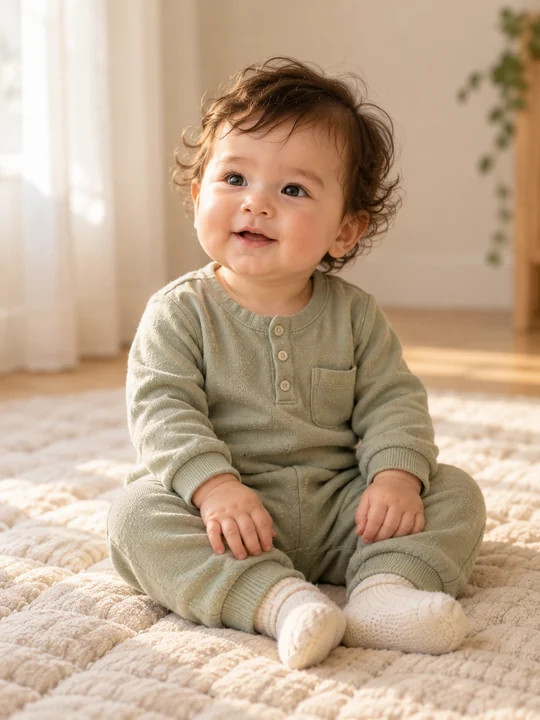 40 / 40
AI-generated concept portrait. Results vary.
Introduction
What Is a Kimi K3 AI baby generator?
A Kimi K3 AI baby generator is a creative starting point for an imagined child. Here, the result is a still image made in the existing Kimi K3 image workspace.
Kimi K3 AI baby generator: Meet a Character You Invent
Perhaps your picture begins with soft curls, a curious expression, and a cream romper. The Kimi K3 AI baby generator gives those choices a visual form.
- Begin with a mood rather than a prediction.
Choose Words or Photographs
No family photographs are needed to start. Describe a fictional subject in text mode, or switch the Kimi K3 AI baby generator to image mode and add adult references you have permission to use.
- Text creates the brief; references offer visual inspiration.
Keep Imagination Separate from Inheritance
This Kimi K3 AI baby generator does not use a dedicated genetics model. It cannot predict a future child's appearance or health, establish inheritance, or assign precise proportions of parental features.
- Treat every portrait as fictional family artwork.
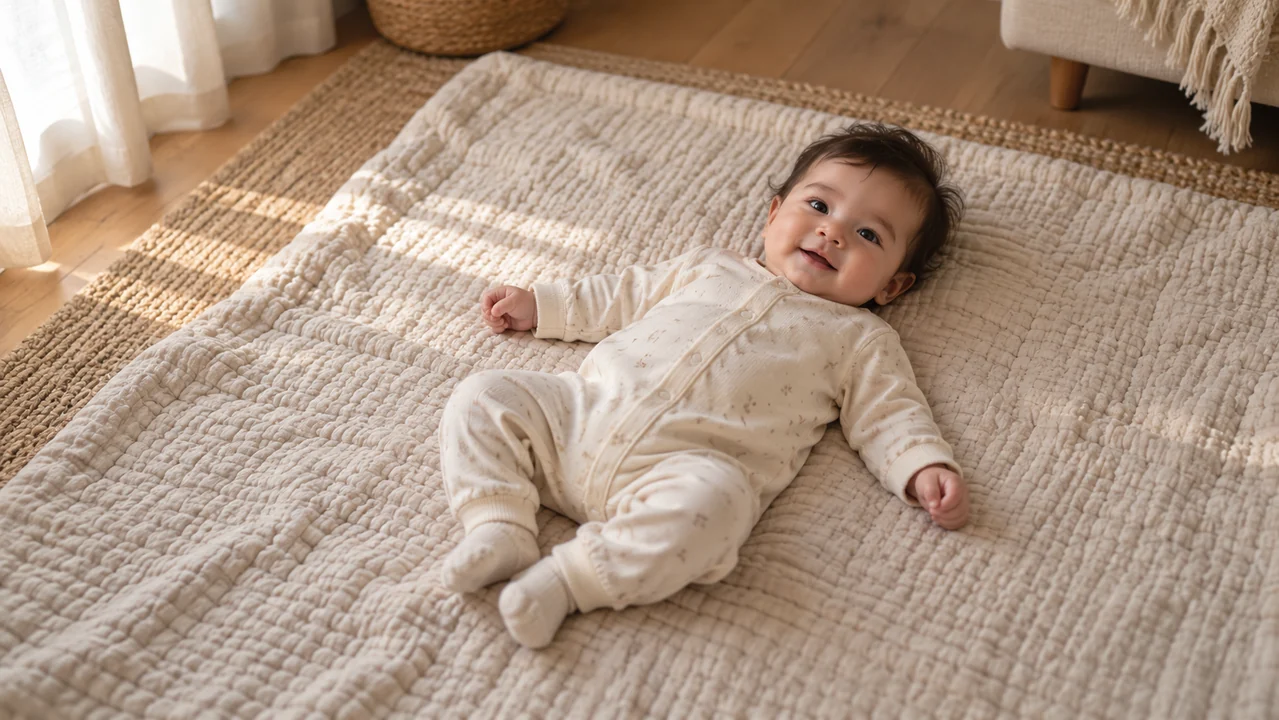
How to use
How to Use the Kimi K3 AI baby generator
- STEP 1
Choose Your Starting Point
Open the image workspace in text mode, or switch to image mode and upload adult reference photos you have permission to use.
- STEP 2
Describe One Fictional Portrait
Write one clear description covering the baby's expression, complete outfit, setting, and artistic style; avoid asking for a prediction or feature percentages.
- STEP 3
Review Settings and Quote
Sign in, confirm your selected settings, and review the live Create credit quote before submitting your request through the existing workspace.
- STEP 4
Inspect and Download
Review the generated person, hands, clothing, and composition; download a result you like, or adjust the prompt and review another attempt.
Features
Give Your Kimi K3 AI baby generator a Clear Description
Write as though you are describing one picture to an illustrator. A Kimi K3 AI baby generator brief becomes easier to judge when expression, clothing, and setting support the same idea.
Start with Expression and Framing
Choose a sleepy gaze, an attentive look, or a small smile. Tell the Kimi K3 AI baby generator whether you want the whole figure or a closer portrait, rather than combining several poses.
- One baby, one expression, one point of view.
Describe an Outfit You Can Picture
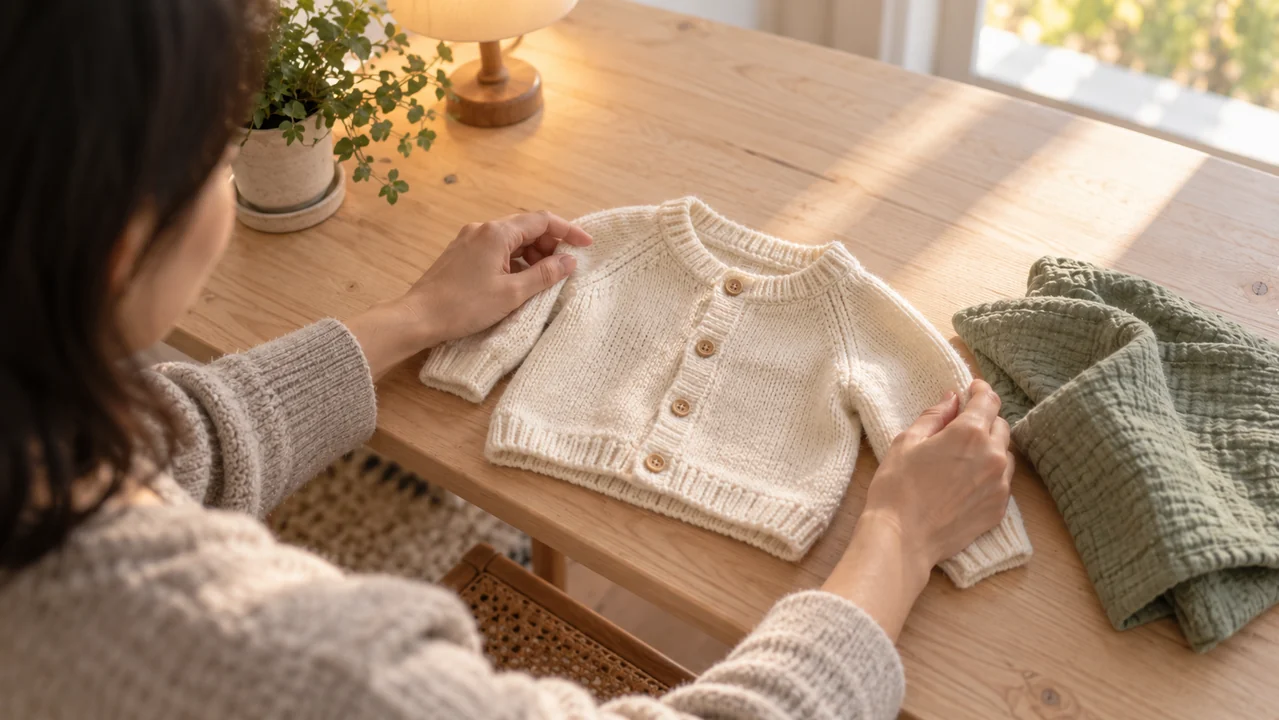
A sage cotton romper with long sleeves is more specific than an elaborate costume. Give the Kimi K3 AI baby generator a fabric, color, and simple garment shape. Ask for complete clothing and natural proportions.
Keep accessories modest so the face remains the focus.
- Check sleeves, fastenings, and fabric edges afterward.
Let the Background Stay Quiet
Pair soft window light with a plain blanket or uncluttered room. The Kimi K3 AI baby generator needs a setting, but a crowded nursery can compete with the child.
- Choose one background color and a gentle light direction.
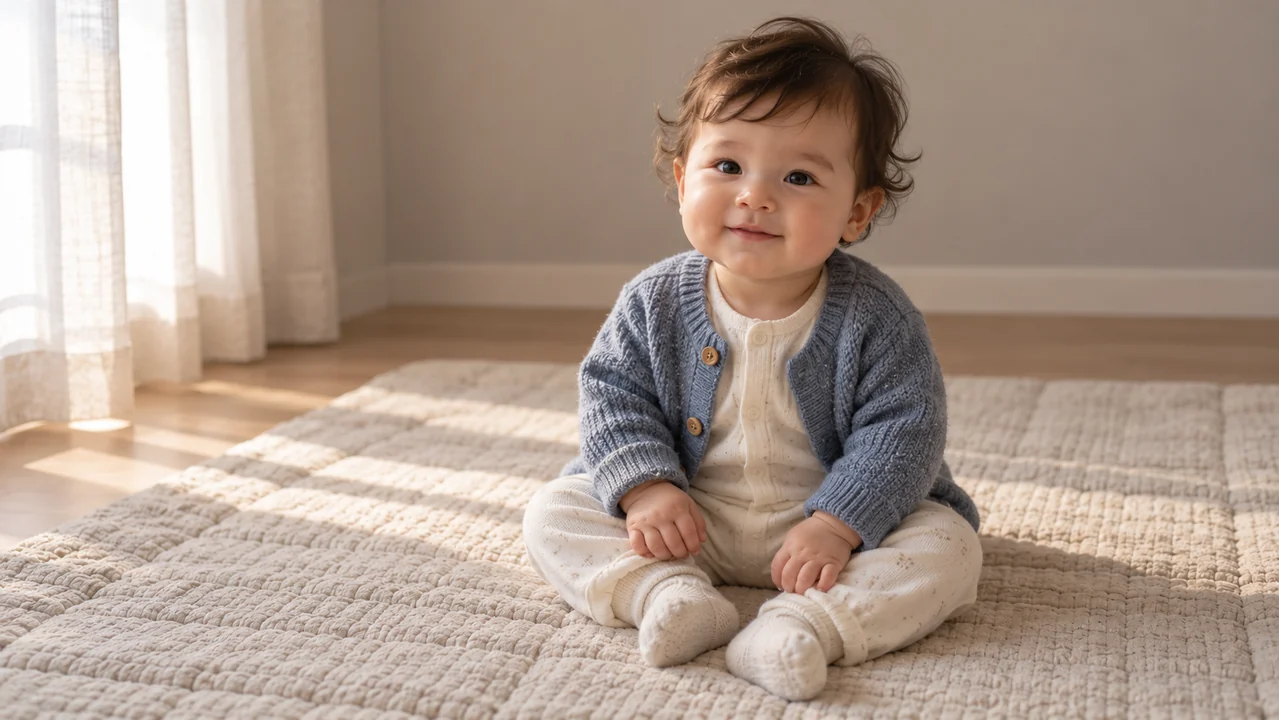
Bring Adult References to the Kimi K3 AI baby generator
Family curiosity can start with photographs rather than a blank description. Use the Kimi K3 AI baby generator in image mode when you want loose visual inspiration from authorized adult references.
Prepare Two Clear Adult Photos
You may upload two adult reference photos through the existing image inputs. Choose clear views with visible faces and ordinary lighting. The Kimi K3 AI baby generator does not require a professionally arranged couple portrait.
- Use your own photos or obtain permission first.
Describe Inspiration, Not a Formula
Ask for a fictional baby loosely inspired by the references. With the Kimi K3 AI baby generator, broad cues such as wavy hair can guide a request; exact inheritance ratios cannot be calculated or guaranteed.
- Specify whether only the baby should appear.
Judge Each Interpretation Independently
A Kimi K3 AI baby generator result may differ substantially from the adults, and later attempts may change features again. Keep a picture because it suits your creative idea, not because it proves a biological connection.
- Reference photos do not guarantee consistent likeness.

Choose an Art Direction for Your Kimi K3 AI baby generator Portrait
Photography is only one possible visual language. Tell the Kimi K3 AI baby generator which artistic treatment fits your project, then assess the output on that basis.
Ask for a Gentle Photographic Look
Describe soft daylight, restrained color, and believable skin and clothing textures. A photographic Kimi K3 AI baby generator portrait should still be understood as invented, however convincing its lighting appears.
- Look for natural eyes and an unforced expression.
Build a Storybook Character
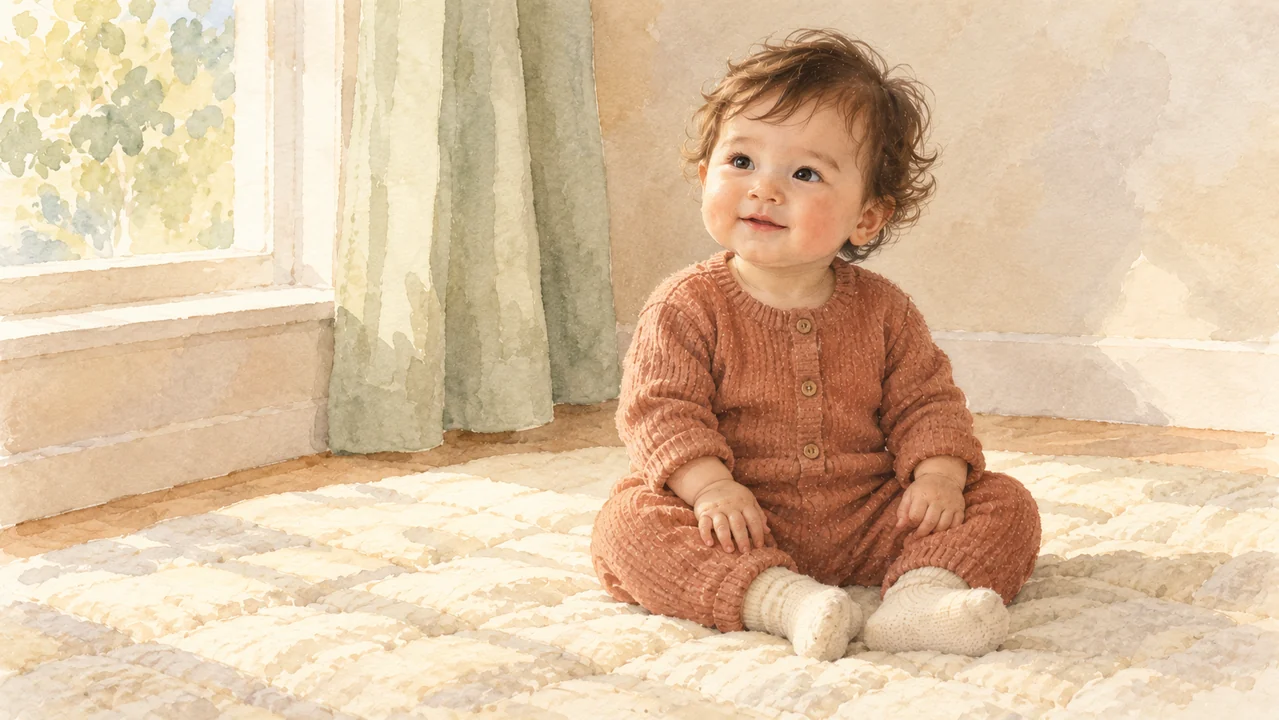
Watercolor washes, colored pencil, or softly painted gouache can give a family story a different atmosphere. Request one treatment from the Kimi K3 AI baby generator rather than layering several conflicting styles.
Illustrated features may depart further from reference photographs.
- Name the medium, palette, and desired level of detail.
Allow Space Around the Subject
The Kimi K3 AI baby generator opens in text mode with a 3:4 portrait frame, 1K resolution, and one image. Describe comfortable margins rather than expecting every requested detail to fit.
- Check the actual crop before planning another layout.
Make Family Artwork with the Kimi K3 AI baby generator
Give the portrait a small creative purpose: an imaginary story character, a family craft project, or an album concept. The Kimi K3 AI baby generator supplies an image, not a finished publication.
Suggest a Relationship Through a Gesture
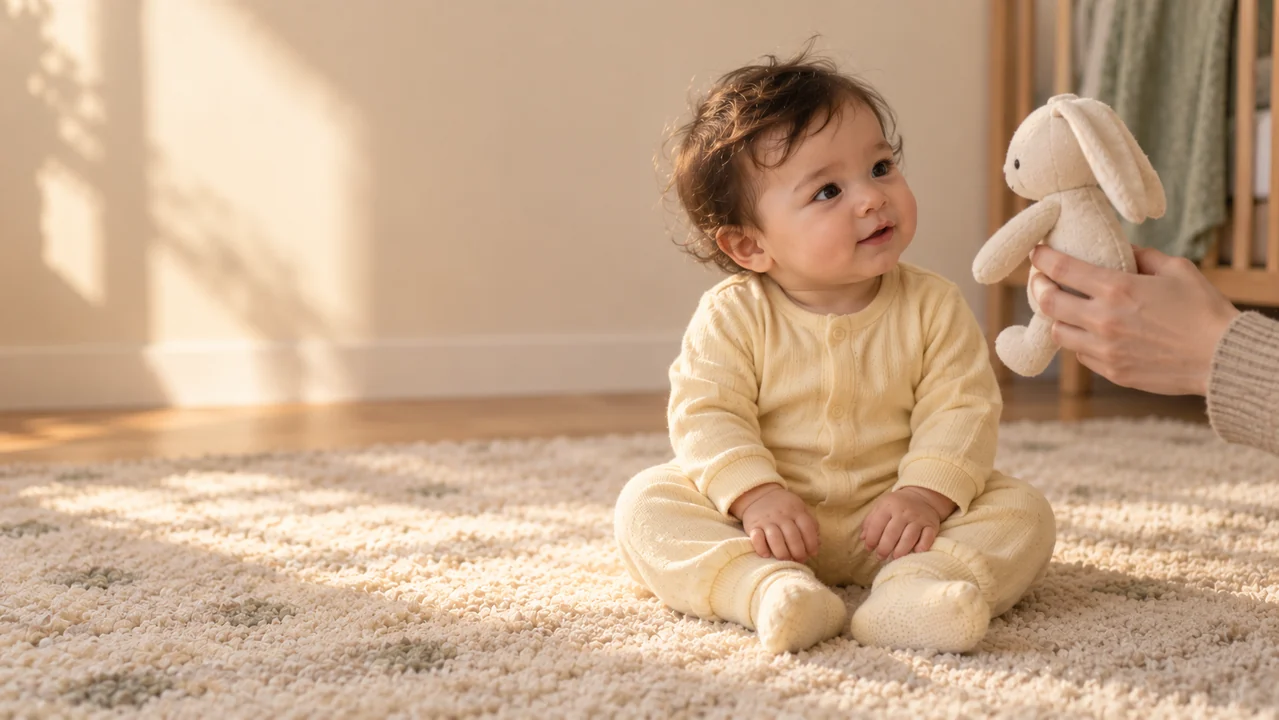
A nearby adult hand holding a cloth toy can make a scene feel affectionate without filling it with people. Ask the Kimi K3 AI baby generator for clear contact and believable support whenever another person appears.
- Keep the baby fully dressed and comfortably positioned.
Leave Personal Messages for Later
Request open space beside the child when you plan to add a family message. Download the Kimi K3 AI baby generator image, then arrange wording in your own editor instead of relying on generated lettering.
- Review the saved dimensions before choosing a print size.
Keep Ownership of the Creative Decision
Use the Kimi K3 AI baby generator to explore an idea for yourself or prepare artwork you later choose to share. Kimi K3 does not automatically distribute the result or perform batch family matching.
- Decide yourself where the downloaded picture belongs.
Review Your Kimi K3 AI baby generator Image Before Saving
The final step is looking carefully, not trusting an automatic score. Review each Kimi K3 AI baby generator output for the details that matter to your portrait.
Inspect the Person, Not Just the Mood
Check the eyes, ears, visible fingers, wrists, and clothing. An appealing Kimi K3 AI baby generator image can still contain awkward anatomy, an extra person, or fabric that blends into the background.
- Check the full frame as well as the face.
Revise a Specific Request
A simpler pose or fewer accessories may be a useful next direction. Revise the Kimi K3 AI baby generator prompt and inspect the new output independently; changing one request can also change other details.
- Generation can fail, and a revision is not guaranteed.
Check the Quote, Then Keep Your Choice
Sign in through the existing Kimi K3 flow. After choosing parameters, check the live Create credit quote before using the Kimi K3 AI baby generator. Existing history and download controls handle your completed results.
- Save only after your own visual review.

Example prompts
Kimi K3 AI baby generator Prompt: Soft Daylight Portrait
Create one entirely fictional baby portrait with a gentle photographic look. Show one older baby sitting naturally and securely on a padded oatmeal floor quilt, with soft dark curls, a curious expression, and a small relaxed smile. Dress the child completely in a sage cotton romper with long sleeves, full legs, and cream socks. Use soft daylight from the left, natural skin texture, and an uncluttered warm beige room. Keep the complete head, both naturally positioned hands, and the whole outfit inside a comfortable portrait composition. Include no other people, no visible branding, no lettering, and no watermark. This is an invented character, not a prediction of a real child.
Kimi K3 AI baby generator Prompt: Reference-Inspired Watercolor
Use the two uploaded adult photographs only as loose artistic references for one entirely fictional baby portrait. Take broad visual inspiration without copying an adult face onto a baby's body or claiming to predict a future child. Show only the imagined baby, fully dressed in a muted terracotta knit romper with long sleeves and full legs, seated naturally on an ivory quilt. Use gentle watercolor washes, soft pencil details, a restrained cream and sage palette, and a quiet nursery background. Keep the face expressive, the hands naturally formed, and the full figure comfortably framed. Do not include the adult subjects, reference-photo panels, feature percentages, diagrams, lettering, logos, or watermarks.
User reviews
Kimi K3 video creator feedback.
Kimi K3 creator reviews

Illustrative workflow: plan an original game title sequence with simple shapes, readable words and timed visual beats. Inspect the animation before adding it to a larger game presentation.

Illustrative workflow: turn a short explanation into a diagram that reveals one idea at a time. Compare Sketch and Motion treatments, then keep the version that communicates the subject clearly.

Illustrative workflow: place an approved product picture beside short benefit text. Assemble a simple graphic product story and review the composition at the intended screen size.

Illustrative workflow: create a portrait opening with one headline, a small set of colors and a quiet final hold. Export the selected scene and add separate sound during editing when needed.

Illustrative workflow: revise one visual decision in a saved animation, such as the closing pause or label placement. Compare saved versions before exporting the selected result.

Illustrative workflow: build a silent graphic sequence to explain the structure of a presentation. These examples describe possible uses; they are not verified customer testimonials or promised outcomes.
Kimi K3 Pricing and Credit Plans
Cancel anytime
Lite
50% off0.025 / credit
Billed $ yearly179· Save $179.8
Video Models



Image Models



- Includes Kimi K3.1 and all premium models
- Up to 1 batch generation task
- Standard generation speed
- Standard generation success rate
- Standard customer support
- Commercial Use License
Standard
50% off0.017 / credit
Billed $ yearly299· Save $299.8
Video Models
Image Models
- Includes Kimi K3.1 and all premium models
- Up to 4 batch generation tasks
- Priority processing speed
- High generation success rate
- Priority customer support
- Commercial Use License
Pro
50% off0.014 / credit
Billed $ yearly599· Save $599.8
Video Models
Image Models
- Includes Kimi K3.1 and all premium models
- Up to 10 batch generation tasks
- Fastest generation speed
- High generation success rate
- Dedicated account manager
- Commercial Use License
Max
50% off0.012 / credit
Billed $ yearly1,199· Save $1,199.8
Video Models
Image Models
- Includes Kimi K3.1 and all premium models
- Up to 10 batch generation tasks
- Fastest generation speed
- High generation success rate
- Dedicated account manager
- Commercial Use License
Pay safely and securely with























FAQ
Frequently asked questions
Do I need family photos for the Kimi K3 AI baby generator?
No. Start the Kimi K3 AI baby generator with a written description in text mode. Reference photographs are optional; image mode lets you introduce authorized adult photos when they help express your artistic direction.
Can the Kimi K3 AI baby generator predict my future child?
No. The Kimi K3 AI baby generator creates a fictional visual interpretation, not a genetic forecast. It cannot predict a real child's appearance, health, inheritance, or exact proportions of parental features.
Can I use two adult references in the Kimi K3 AI baby generator?
Yes. Switch the Kimi K3 AI baby generator to image mode and upload two adult photos you have permission to use. Describe the imagined portrait you want; resemblance and consistency are not guaranteed.
What does the Kimi K3 AI baby generator cost?
Choose your parameters and read the live Create credit quote before generating. The Kimi K3 AI baby generator uses the existing Kimi K3 account and credit system; this page does not promise a fixed price or free allowance.
Can I download an illustrated Kimi K3 AI baby generator portrait?
Request your chosen medium in the prompt, then review the result. The Kimi K3 AI baby generator uses existing history and download controls. It does not automatically publish your picture or guarantee a successful output.
CTA
Create Your Own Imagined Portrait
Start with a simple description or authorized adult references. Choose your settings, check the live Create quote, and use the Kimi K3 AI baby generator to explore a fictional portrait you can review and keep.
Open the Image Workspace