 Kimi K3
Kimi K3 Background Remover for Local Image Cutouts
Kimi K3 Background Remover processes pictures in your browser after sign-in. Inputs and results are uploaded to your account for task review. No subscription, credit deduction, or paid cloud model is required. Keep your source and inspect the result before using it elsewhere.
Background Remover workspace
Drop or paste a JPG, PNG or WebP · up to 30 MB
Up to 8192 pixels per side and 32 megapixels
Free · Sign in to process · Inputs and results are saved to your account. The first cutout downloads a local model. Processing speed depends on your device.
Introduction
What Is Kimi K3 Background Remover?
Kimi K3 Background Remover takes a photo, removes the surrounding background, and keeps the main subject in a transparent PNG. Choose a picture of shoes on a table, then save a cutout of the shoes for another design after checking the edges.
Kimi K3 Background Remover: Create a reusable subject cutout
A subject can be useful in more than its original setting. Kimi K3 Background Remover helps prepare a cutout for a slide, product layout, profile composition, or another design where the existing surroundings are distracting. The downloaded transparent PNG can be placed over a different background later.
Choose Kimi K3 Background Remover when you want to isolate the main foreground rather than erase one arbitrary object while preserving everything else. The model makes an estimate from the picture you provide.
- Prepare a cutout from a supported static source picture.
- Inspect what the model retained and what it removed.
Kimi K3 Background Remover: Browser processing and account history
Kimi K3 Background Remover processes pictures in your browser after sign-in. Inputs and results are uploaded to your account for task review. No subscription, credit deduction, or paid cloud model is required.
Kimi K3 Background Remover processes pictures in your browser after sign-in. Inputs and results are uploaded to your account for task review. No subscription, credit deduction, or paid cloud model is required.
- Run image inference locally instead of uploading a photo.
- Expect an initial model and runtime download before processing.

How to use
How to Use Kimi K3 Background Remover
- Beforebag.jpg
 1254 × 1254 px1.63 MBSTEP 1
Choose a local picture
Open Kimi K3 Background Remover and select a supported JPG, PNG, or WebP. Use existing cutout mode only when the source already contains the alpha you need.
- BackgroundTransparentSTEP 2
Run the appropriate path
Let Kimi K3 Background Remover download its model and runtime on first use, then process the picture locally. Existing cutout mode skips inference and preserves source alpha.
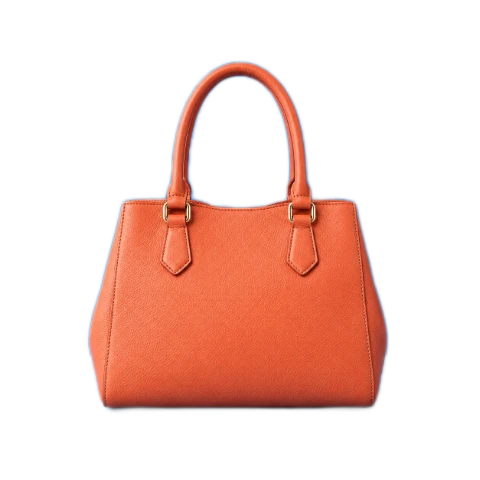 ↔BeforeAfterSTEP 3
Inspect and choose a background
Use the comparison switch and zoom in Kimi K3 Background Remover. Try transparent, white, black, or a custom HEX fill without repeating inference for each color change.
- AfterBeforebag.pngDownload
Checkerboard shows transparency and is not included in downloads.
STEP 4Download the PNG
Export from Kimi K3 Background Remover after inspecting the edges. The PNG retains source dimensions and contains either transparency or the solid background color you selected.
Features
Kimi K3 Background Remover Features: Local Inference and Existing Cutouts
Kimi K3 Background Remover offers two starting paths: estimate a foreground from an ordinary picture, or preserve an existing cutout without running the model again.
Understand loading and processing time
On a first run, Kimi K3 Background Remover needs its model files and WASM processing resources before it can produce a mask. Later runs may reuse available browser resources, but cache availability is not permanent and a download may be needed again in a future session.
Processing speed in Kimi K3 Background Remover depends on the device, browser conditions, and source picture. Do not expect every supported image to finish instantly on every phone or computer.
- Allow the initial resources to finish loading before judging speed.
- Treat browser caching as helpful rather than permanently guaranteed.
Preserve an already prepared alpha channel
Use existing cutout mode in Kimi K3 Background Remover when the source already has the transparency you need. This path skips model inference and preserves the original alpha channel, avoiding an unnecessary attempt to estimate the foreground of a picture that has already been prepared.
An ordinary opaque JPG does not become isolated through this bypass. Kimi K3 Background Remover keeps existing alpha rather than inventing it in cutout mode. Choose the model path for a new separation, or use the bypass for a suitable transparent PNG or WebP that you trust.
- Skip inference when the source already contains the desired cutout.
- Use the model path when an opaque background still needs removal.

Kimi K3 Background Remover Features: Preview and PNG Background Choices
Kimi K3 Background Remover lets you inspect the same extracted subject against several backgrounds, then export a PNG without repeating inference just to change the fill color.
Compare the original with the result
Switch between before and after in Kimi K3 Background Remover to see which regions changed, then use the zoom preview to inspect the outline. Pay attention to thin objects, gaps around limbs, and areas where foreground and background have similar colors or weak separation.
The Kimi K3 Background Remover result retains the source width and height. Keeping those dimensions does not guarantee that every boundary detail has been recovered accurately. It preserves the output canvas size while the quality of the estimated mask still depends on the picture and model.
- Use the before-and-after switch to inspect retained regions.
- Zoom in without confusing preview magnification with added detail.
Reuse the mask across background choices
After processing, Kimi K3 Background Remover can switch between transparent, white, black, and a custom HEX color without repeating inference. These options reuse the same cutout. Changing the fill is a separate compositing operation, not another attempt to improve the model decision at the boundary.
Choose transparency in Kimi K3 Background Remover for a PNG with alpha, or select a solid background for that color to be included in the exported PNG pixels. A white or custom fill is therefore part of the download, not merely a temporary display behind the preview.
- Export transparent PNG for reuse over another design.
- Export a solid-background PNG with the chosen color embedded.
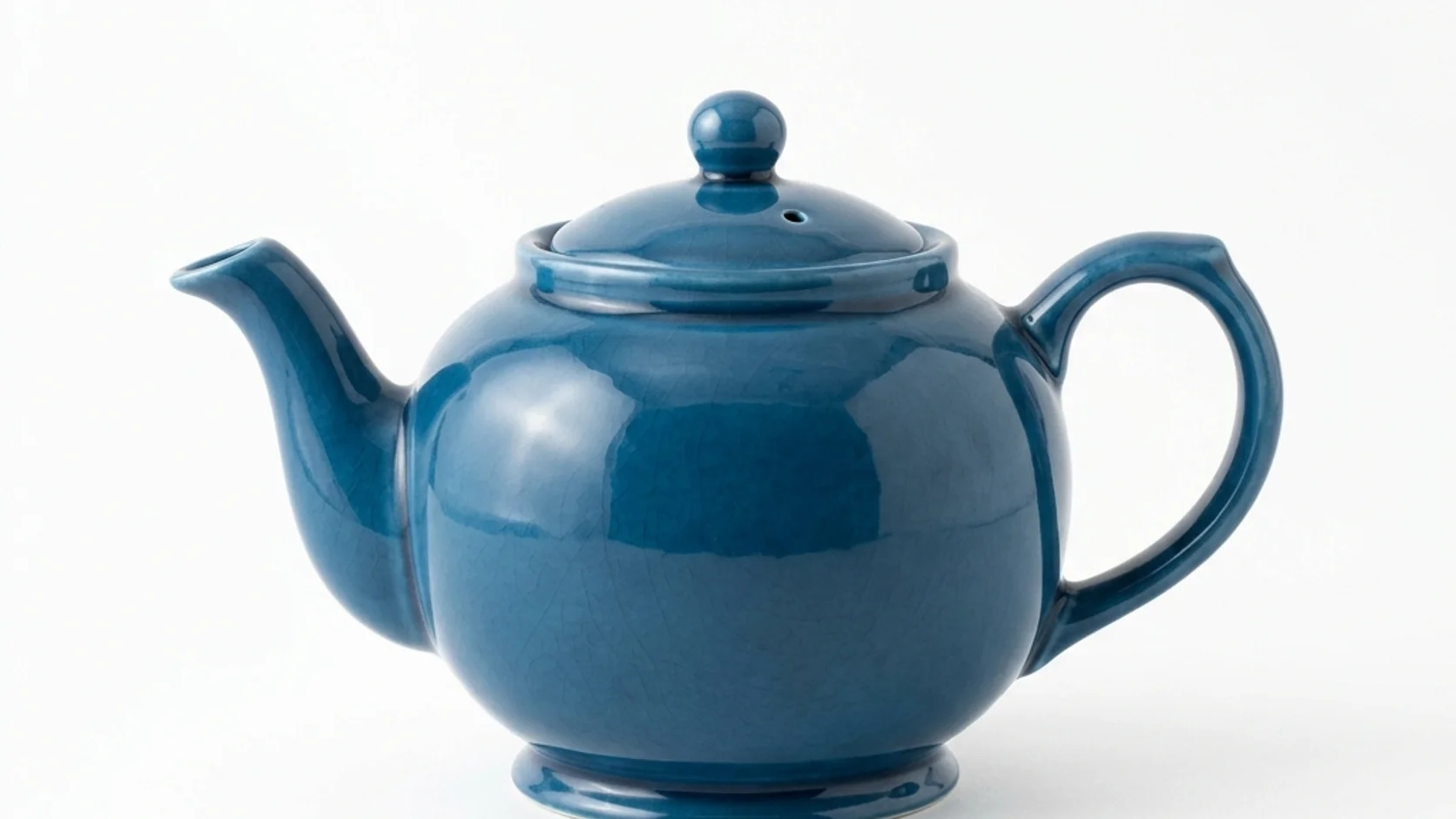
Kimi K3 Background Remover Features: Realistic Edges and Supported Inputs
Kimi K3 Background Remover works within defined input limits and model capabilities. Use the preview to decide whether a result is suitable rather than relying on an automatic quality guarantee.
Inspect hair, glass, and difficult boundaries
Kimi K3 Background Remover cannot promise perfect hair, fur, glass, or translucent edges. Thin strands can disappear, background fragments can remain, and low-contrast areas can be difficult to separate. A detailed source helps inspection, but larger dimensions alone do not guarantee a clean mask.
Use a contrasting fill in Kimi K3 Background Remover to reveal missed areas before downloading. The workflow does not include a promised manual mask brush, studio relighting, or generative edge repair.
- Check fragile outlines and see-through objects particularly carefully.
- Do not expect a fill change to repair the cutout.
Check format, dimensions, and file size
Kimi K3 Background Remover accepts static JPG, PNG, and WebP up to 30 MB per file. An input must have no side longer than 8192 pixels and no more than 32 megapixels in total.
Animations, HEIC, TIFF, SVG, and AVIF are not supported by Kimi K3 Background Remover. Unsupported files are not uploaded for conversion, and there is no cloud processing fallback. Local operation also does not promise permanent offline access, since resources may need to be loaded again.
- Check file size and both dimension limits before starting.
- Use supported static inputs without expecting a server fallback.
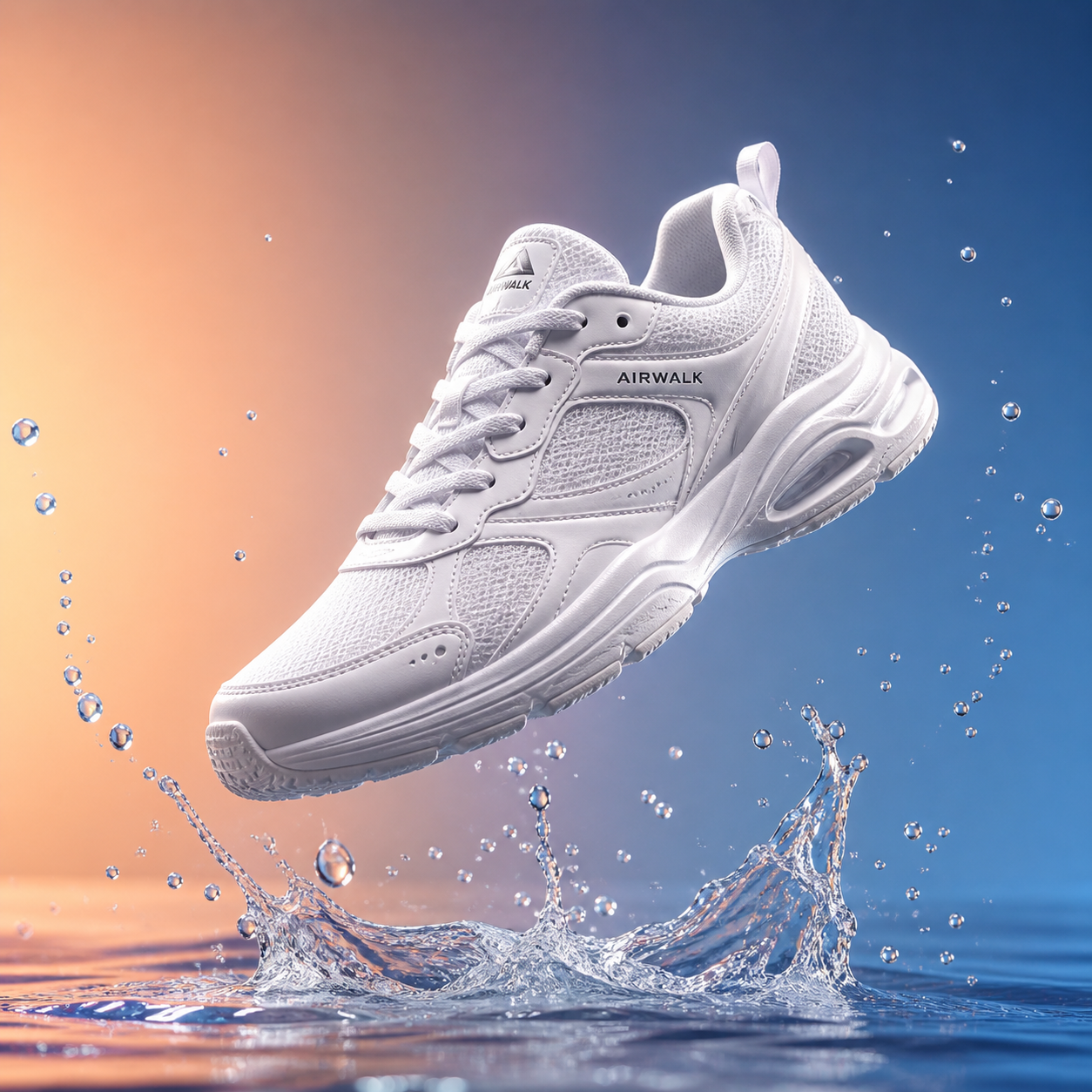
User reviews
Kimi K3 video creator feedback.
Kimi K3 creator reviews

Illustrative workflow: plan an original game title sequence with simple shapes, readable words and timed visual beats. Inspect the animation before adding it to a larger game presentation.

Illustrative workflow: turn a short explanation into a diagram that reveals one idea at a time. Compare Sketch and Motion treatments, then keep the version that communicates the subject clearly.

Illustrative workflow: place an approved product picture beside short benefit text. Assemble a simple graphic product story and review the composition at the intended screen size.

Illustrative workflow: create a portrait opening with one headline, a small set of colors and a quiet final hold. Export the selected scene and add separate sound during editing when needed.

Illustrative workflow: revise one visual decision in a saved animation, such as the closing pause or label placement. Compare saved versions before exporting the selected result.

Illustrative workflow: build a silent graphic sequence to explain the structure of a presentation. These examples describe possible uses; they are not verified customer testimonials or promised outcomes.
Kimi K3 Background Remover is free after sign-in, with no subscription or credits required. Inputs and results are uploaded and saved to your account for task review.
Kimi K3 Pricing and Credit Plans
Cancel anytime
Lite
50% off0.025 / credit
Billed $ yearly179· Save $179.8
Video Models



Image Models



- Includes Kimi K3.1 and all premium models
- Up to 1 batch generation task
- Standard generation speed
- Standard generation success rate
- Standard customer support
- Commercial Use License
Standard
50% off0.017 / credit
Billed $ yearly299· Save $299.8
Video Models
Image Models
- Includes Kimi K3.1 and all premium models
- Up to 4 batch generation tasks
- Priority processing speed
- High generation success rate
- Priority customer support
- Commercial Use License
Pro
50% off0.014 / credit
Billed $ yearly599· Save $599.8
Video Models
Image Models
- Includes Kimi K3.1 and all premium models
- Up to 10 batch generation tasks
- Fastest generation speed
- High generation success rate
- Dedicated account manager
- Commercial Use License
Max
50% off0.012 / credit
Billed $ yearly1,199· Save $1,199.8
Video Models
Image Models
- Includes Kimi K3.1 and all premium models
- Up to 10 batch generation tasks
- Fastest generation speed
- High generation success rate
- Dedicated account manager
- Commercial Use License
Pay safely and securely with






















FAQ
Frequently asked questions
Is Kimi K3 Background Remover free after signing in?
Yes. Kimi K3 Background Remover requires sign-in, but no subscription or credits. The original and finished image are saved to your account and included in task history. Paid plans elsewhere on the site are optional for this tool.
Does Kimi K3 Background Remover upload the picture?
Yes. Kimi K3 Background Remover uploads the original and finished image to your account for task review. Processing runs in your browser; it does not call a paid cloud model. Sign in before processing, and keep the page open until saving finishes.
Which model does Kimi K3 Background Remover use?
Kimi K3 Background Remover uses U2Netp locally through a WASM runtime. Processing speed depends on the device and browser conditions; it is not a promise of instant results or identical performance across all hardware.
Does Kimi K3 Background Remover preserve the source dimensions?
Yes. Kimi K3 Background Remover exports a PNG with the original width and height. Preserving the canvas dimensions does not guarantee perfect segmentation or recovery of every strand, translucent detail, or difficult boundary.
Ca Kimi K3 Background Remover skip an existing transparent cutout?
Yes. Existing cutout mode in Kimi K3 Background Remover bypasses inference and retains the original alpha channel. It is intended for already prepared transparency, not for automatically removing the opaque background of an ordinary JPG.
Does changing a Kimi K3 Background Remover fill rerun the model?
No. Kimi K3 Background Remover reuses the existing cutout for transparent, white, black, and custom HEX choices. The selected solid color is included in the exported PNG, while transparent output keeps alpha for later compositing.
Ca Kimi K3 Background Remover guarantee perfect hair or glass?
No. Fine strands, translucent materials, overlapping subjects, and low-contrast edges can produce imperfect masks. Use zoom and contrasting backgrounds to inspect the result before deciding whether it is suitable.
Will Kimi K3 Background Remover always work offline after one visit?
That is not guaranteed. The website, model, or runtime may need to load again if resources are unavailable or browser storage changes. Local image processing is distinct from permanently available offline operation.
CTA
Prepare a Cutout with Kimi K3 Background Remover
Choose a picture, inspect the foreground, and select a useful PNG background. Kimi K3 Background Remover keeps the image local while leaving the final quality decision with you.
Choose an Image