 Kimi K3
Kimi K3 AI sticker generator for bold little expressions
A sticker has little space to make its point. Use the Kimi K3 AI sticker generator for an expressive character or compact visual joke. Begin with GPT Image 2 text mode at 1:1 and 1K. Give the Kimi K3 AI sticker generator a simple silhouette and one emotion before refining the smaller details.
Image workspace
Sample Image
 34 / 40
AI-generated otter mascot concept with a leafy sprig.
Introduction
Give the Kimi K3 AI sticker generator one clear reaction
Choose a specific reaction for the Kimi K3 AI sticker generator rather than asking for a decorative miniature scene.
Make the emotion visible
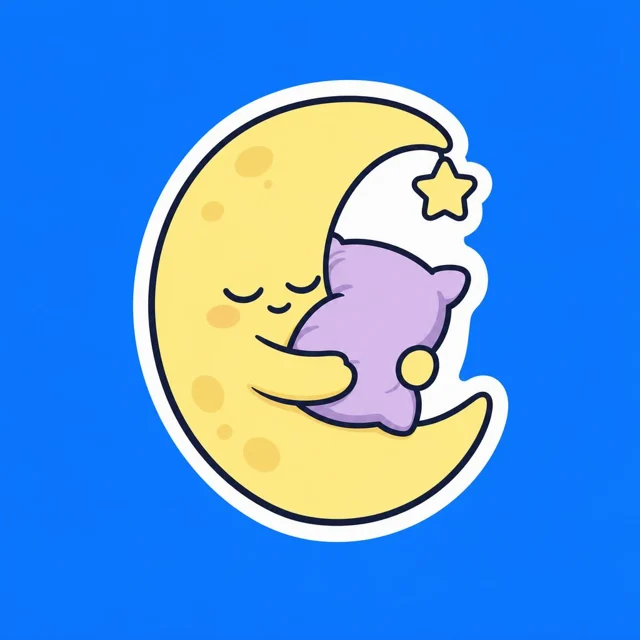
A sleepy moon hugging a pillow communicates differently from a triumphant mushroom raising both arms. Tell the Kimi K3 AI sticker generator what the character feels and how its pose shows it.
- Choose one emotion and a pose that clearly expresses it.
- Keep the Kimi K3 AI sticker generator focused on that single reaction.
Choose one memorable feature
Give an original character a striped scarf, square glasses, or a distinctive leaf-shaped hat. Ask the Kimi K3 AI sticker generator to make that feature large enough to survive reduction. Too many accessories can make a tiny character resemble a bundle of unrelated shapes.
Decide whether words are necessary
Try the design without words first. If a phrase adds something essential, keep it short and check every character afterward. The Kimi K3 AI sticker generator may render lettering incorrectly, so plan to refine important text separately rather than relying on a long embedded sentence.
How to use
How to use the Kimi K3 AI sticker generator
- PromptSTEP 1
Choose one expression
Open GPT Image 2 text mode in the Kimi K3 AI sticker generator and describe one original character with a clear, readable expression.
- ModelGPT Image 21K1:1PromptSTEP 2
Shape the outline
Brief the Kimi K3 AI sticker generator on a strong contour, white border, and generous outer margin, avoiding tiny detached decorative details.
- Detail
 STEP 3
Generate the artwork
Start the Kimi K3 AI sticker generator at square 1K, check the displayed credits, and generate a simple design against a contrasting background.
- Create an original sticker concept of a sleepy crescent moon hugging a small lavender pillow. Closed eyes, a gently relaxed mouth, compact rounded arms, and one tiny star attached visually to the main silhouette. Clean bold outline, pale yellow and lavender palette, minimal shading, continuous white outer border, and generous space outside the border. Plain medium blue background for easy visual inspection. Square composition. No words, logo, scattered sparkles, fine hairlines, or printed product mockup.DownloadSTEP 4
Prepare the next stage
Review Kimi K3 AI sticker generator artwork at small size; download the JPEG concept and use separate background removal when transparency is needed.
Features
Build a clea Kimi K3 AI sticker generator silhouette
Ask the Kimi K3 AI sticker generator for a compact outline with clear edges, connected parts, and comfortable internal spaces.
Bring important parts together
Keep arms, ears, tools, and props close enough to form a readable cluster. The Kimi K3 AI sticker generator can explore lively poses, but a long thin tail or isolated sparkle may feel disconnected.
- Use a simple pose before introducing elaborate movement lines.
- Check the Kimi K3 AI sticker generator outline against a plain background.
Separate overlapping forms
An arm against a body needs enough contrast to remain visible. Describe distinct color areas or a clean line between them to the Kimi K3 AI sticker generator.
Simplify decorative details
Choose two large freckles instead of a spray of tiny dots, or one leaf vein rather than a network of hairlines. Direct the Kimi K3 AI sticker generator toward details that support recognition. Fine texture can look attractive enlarged while adding very little at actual sticker size.

Control borders in the Kimi K3 AI sticker generator
Describe a visible border to the Kimi K3 AI sticker generator while keeping artwork separate from a production cutting path.
Use an even outer border
Request a continuous white or cream border around the character with a restrained dark outer edge. Review the Kimi K3 AI sticker generator result for sudden thickness changes and missing sections. The border should support the shape rather than become the most noticeable part of it.
- Leave breathing room outside the border inside the square image.
- Ask the Kimi K3 AI sticker generator for a continuous, uncomplicated perimeter.
Keep detail away from the edge
Leave visible space between important features and the outer boundary. In a Kimi K3 AI sticker generator concept, this gives a printer or designer room to prepare the final artwork. The actual safety margin depends on the chosen production process, not a guessed universal measurement.
Distinguish outline from cutting geometry
A white border in a JPEG is drawn artwork, not a machine-readable cut line. The Kimi K3 AI sticker generator does not create a print die or verified contour path.
Build a set with the Kimi K3 AI sticker generator
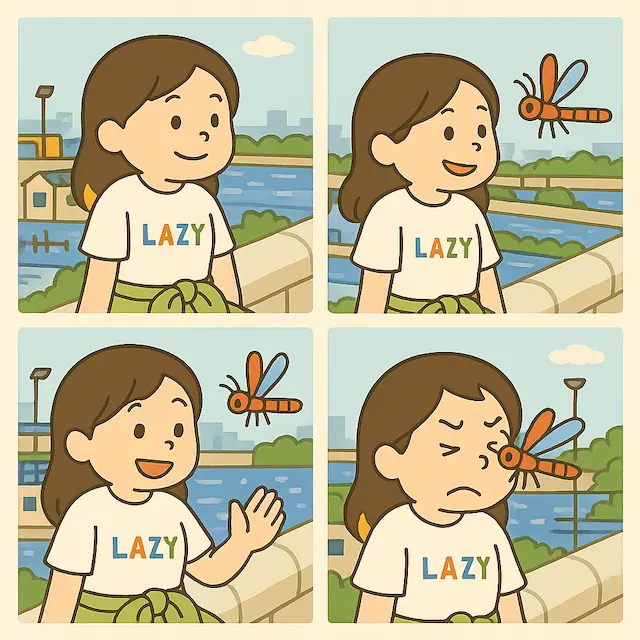
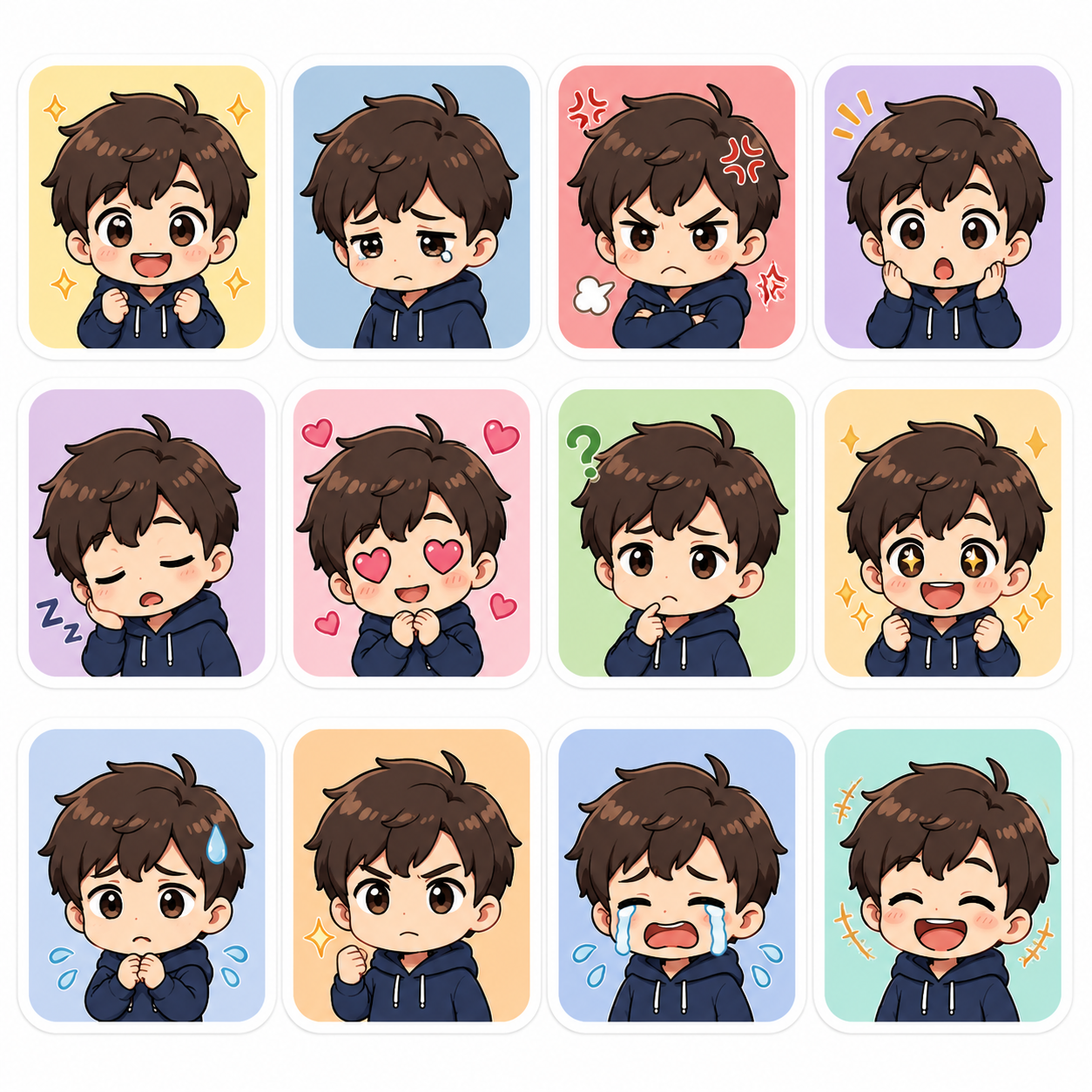
Give the Kimi K3 AI sticker generator shared character rules and distinct expressions so each design contributes something to the set.
Write a short character recipe
Record the character’s proportions, palette, outline thickness, and signature accessory. Reuse those choices in the Kimi K3 AI sticker generator while changing the emotion.
- Keep the same few defining colors across the collection.
- Compare Kimi K3 AI sticker generator results together before approving a set.
Use references when revising
Switch to reference image editing when an approved character should guide the next request. Tell the Kimi K3 AI sticker generator which traits matter most. GPT Image 2 accepts up to sixteen references in image mode, but consistency still needs visual review across the finished selections.
Assign each sticker a purpose
Plan a welcome, a thank-you, a celebration, and a gentle refusal rather than generating random variations. This gives the Kimi K3 AI sticker generator a different communication task each time. Remove designs that look attractive but add no useful expression to the collection.
Try a focused Kimi K3 AI sticker generator request
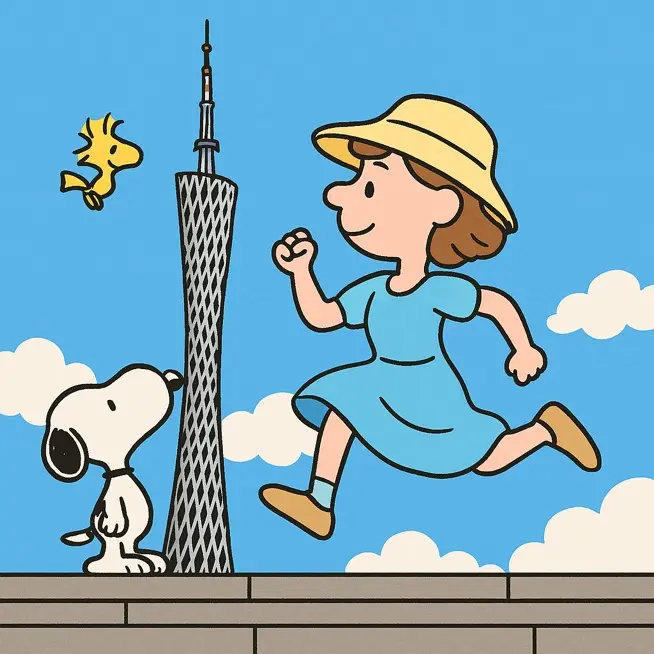
Use the Kimi K3 AI sticker generator to resolve shape and expression before adding texture, scenery, or elaborate accessories.
Start with a simple square
Choose GPT Image 2 in text mode at 1:1 and 1K, with one output to begin. Describe the character, emotion, pose, border, and plain background. Check the Kimi K3 AI sticker generator configuration and the displayed credits before submitting the request.
- Keep decorative scenery outside the first character study.
- Give the Kimi K3 AI sticker generator a readable central subject.
Compare at small viewing size
Reduce the preview in your own viewing or design workflow and inspect the face first. If the emotion disappears, ask the Kimi K3 AI sticker generator for larger eyes, a simpler mouth, or a stronger pose. More rendering detail will not solve an unclear expression.
Revise the weakest part
Change one issue such as a crowded outline, ambiguous hand, or uneven border. The Kimi K3 AI sticker generator supports multiple ratios, 1K, 2K, or 4K, and one to four outputs. Choose settings deliberately rather than using extra outputs to avoid a clear revision brief.
Finish the Kimi K3 AI sticker generator concept appropriately
Check the Kimi K3 AI sticker generator artwork and its file format against the needs of the intended digital or printed destination.
Understand the JPEG background
The shared workspace returns JPEG images, which do not carry a transparent background. A plain white backdrop from the Kimi K3 AI sticker generator remains part of the file.
- Keep an untouched copy of the selected JPEG concept.
- Treat Kimi K3 AI sticker generator background cleanup as a separate step.
Use a removal step when needed
For a transparent asset, switch to Bria background removal and submit the selected image as a separate task. Inspect its transparent PNG for lost white borders or missing small parts. The Kimi K3 AI sticker generator itself does not provide a guaranteed transparent sticker result.
Prepare printing with the supplier
Share the desired size, material, and intended border with your printer or finishing designer. The Kimi K3 AI sticker generator image is a visual starting point, not a verified manufacturing file. Ask the supplier to establish the actual cut path, safety margin, and any required bleed.
Example prompts
A sleepy moon with a bold outline
Create an original sticker concept of a sleepy crescent moon hugging a small lavender pillow. Closed eyes, a gently relaxed mouth, compact rounded arms, and one tiny star attached visually to the main silhouette. Clean bold outline, pale yellow and lavender palette, minimal shading, continuous white outer border, and generous space outside the border. Plain medium blue background for easy visual inspection. Square composition. No words, logo, scattered sparkles, fine hairlines, or printed product mockup.
A grateful mushroom character
Create an original cheerful mushroom sticker character holding a small heart with both hands. Warm red cap with three large cream spots, short rounded stem body, bright simple eyes, and a clear grateful smile. Compact pose, distinct hands, one consistent dark outline, and an even cream border following the silhouette. Flat colors with only a little soft shading. Plain light gray background, square image. No text, extra characters, detached ornaments, cutting paths, packaging, or scenery.
User reviews
Kimi K3 video creator feedback.
Kimi K3 creator reviews

Illustrative workflow: plan an original game title sequence with simple shapes, readable words and timed visual beats. Inspect the animation before adding it to a larger game presentation.

Illustrative workflow: turn a short explanation into a diagram that reveals one idea at a time. Compare Sketch and Motion treatments, then keep the version that communicates the subject clearly.

Illustrative workflow: place an approved product picture beside short benefit text. Assemble a simple graphic product story and review the composition at the intended screen size.

Illustrative workflow: create a portrait opening with one headline, a small set of colors and a quiet final hold. Export the selected scene and add separate sound during editing when needed.

Illustrative workflow: revise one visual decision in a saved animation, such as the closing pause or label placement. Compare saved versions before exporting the selected result.

Illustrative workflow: build a silent graphic sequence to explain the structure of a presentation. These examples describe possible uses; they are not verified customer testimonials or promised outcomes.
Kimi K3 Pricing and Credit Plans
Cancel anytime
Lite
50% off0.025 / credit
Billed $ yearly179· Save $179.8
Video Models



Image Models



- Includes Kimi K3.1 and all premium models
- Up to 1 batch generation task
- Standard generation speed
- Standard generation success rate
- Standard customer support
- Commercial Use License
Standard
50% off0.017 / credit
Billed $ yearly299· Save $299.8
Video Models
Image Models
- Includes Kimi K3.1 and all premium models
- Up to 4 batch generation tasks
- Priority processing speed
- High generation success rate
- Priority customer support
- Commercial Use License
Pro
50% off0.014 / credit
Billed $ yearly599· Save $599.8
Video Models
Image Models
- Includes Kimi K3.1 and all premium models
- Up to 10 batch generation tasks
- Fastest generation speed
- High generation success rate
- Dedicated account manager
- Commercial Use License
Max
50% off0.012 / credit
Billed $ yearly1,199· Save $1,199.8
Video Models
Image Models
- Includes Kimi K3.1 and all premium models
- Up to 10 batch generation tasks
- Fastest generation speed
- High generation success rate
- Dedicated account manager
- Commercial Use License
Pay safely and securely with






















FAQ
Frequently asked questions
Does the Kimi K3 AI sticker generator create transparent files?
The Kimi K3 AI sticker generator returns JPEG artwork in this workspace. For transparency, use a separate Bria background-removal task and inspect its PNG output. Check that white borders, small accessories, and interior openings have survived; removal should not be assumed perfect for every design.
Can the Kimi K3 AI sticker generator make a matching pack?
You can develop a pack by reusing a character reference and a short style recipe while varying expressions. Compare every selected image for proportions, color, and border treatment. The workflow explores related images; it does not lock character consistency automatically.
Can I print a Kimi K3 AI sticker generator design directly?
Treat the image as artwork that still needs production preparation. Your printer should confirm the required dimensions, bleed, cutting path, and safe areas for the chosen material and process. A visible outline is not a verified die-cut path or manufacturing instruction.
How much text should a Kimi K3 AI sticker generator design contain?
Use only what the reaction needs, often a short phrase or no words at all. Check spelling and readability after generation. For essential wording, refine the text separately in your design workflow so a distorted letter does not weaken the entire sticker.
Which Kimi K3 AI sticker generator settings should I start with?
Begin with GPT Image 2 text mode at 1:1 and 1K. You can adjust the ratio, choose 2K or 4K, or request one to four outputs. Check the credits displayed for the selected configuration before submitting and review the result at its intended viewing size.
CTA
Give the Kimi K3 AI sticker generator one expressive idea
Pick a character and a reaction worth sending. Use the Kimi K3 AI sticker generator to build a clear silhouette, then review the small-size expression and the finishing steps your destination needs.
Create a sticker concept